
Your Jellyfin, at a glance.
Jellydash is a self-hosted dashboard for your Jellyfin server. See who's watching, explore play history and statistics, monitor downloads and check server activity. Get notifications on your phone.
A look inside Jellydash
Browse screenshots of the main pages.
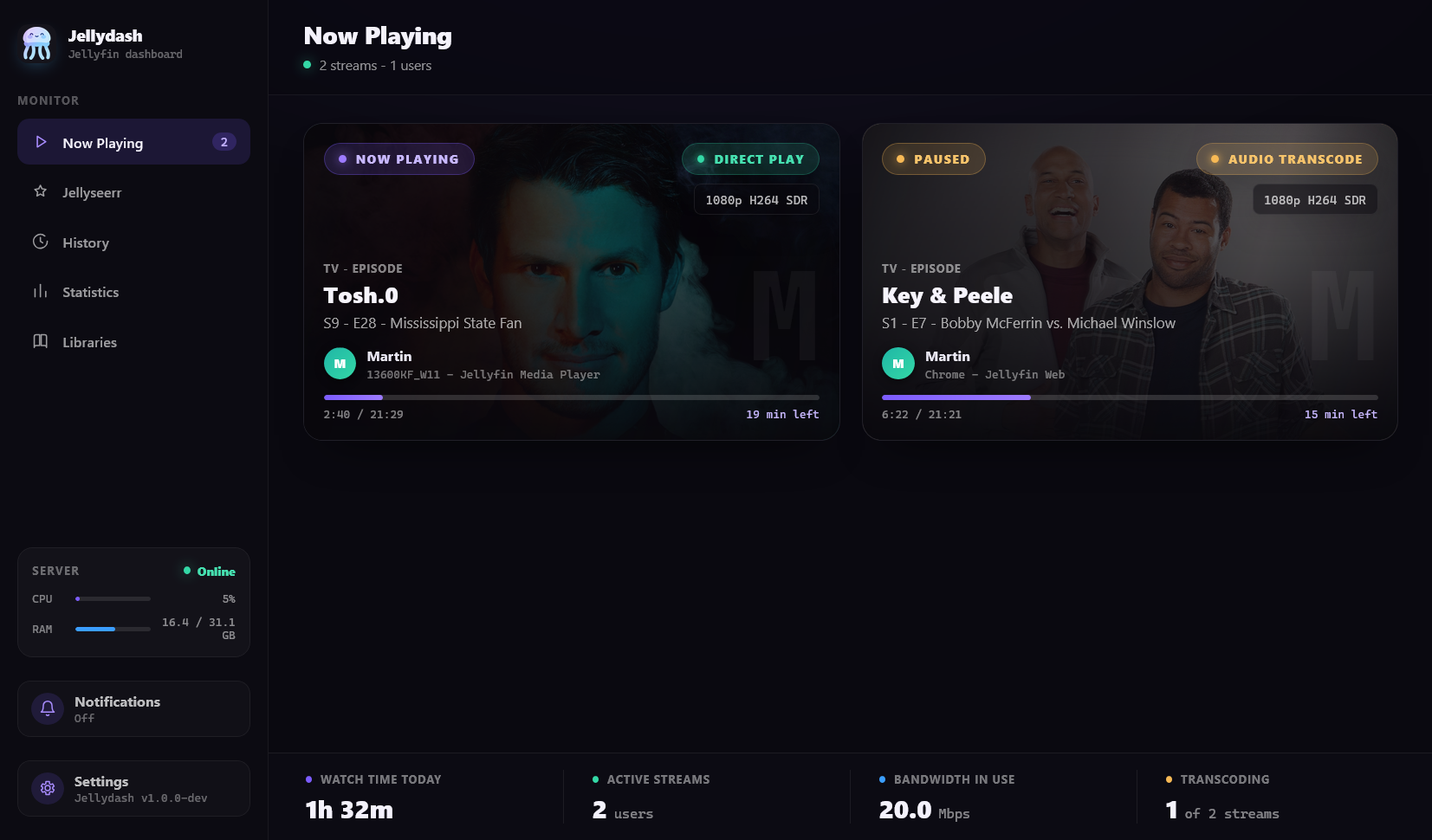
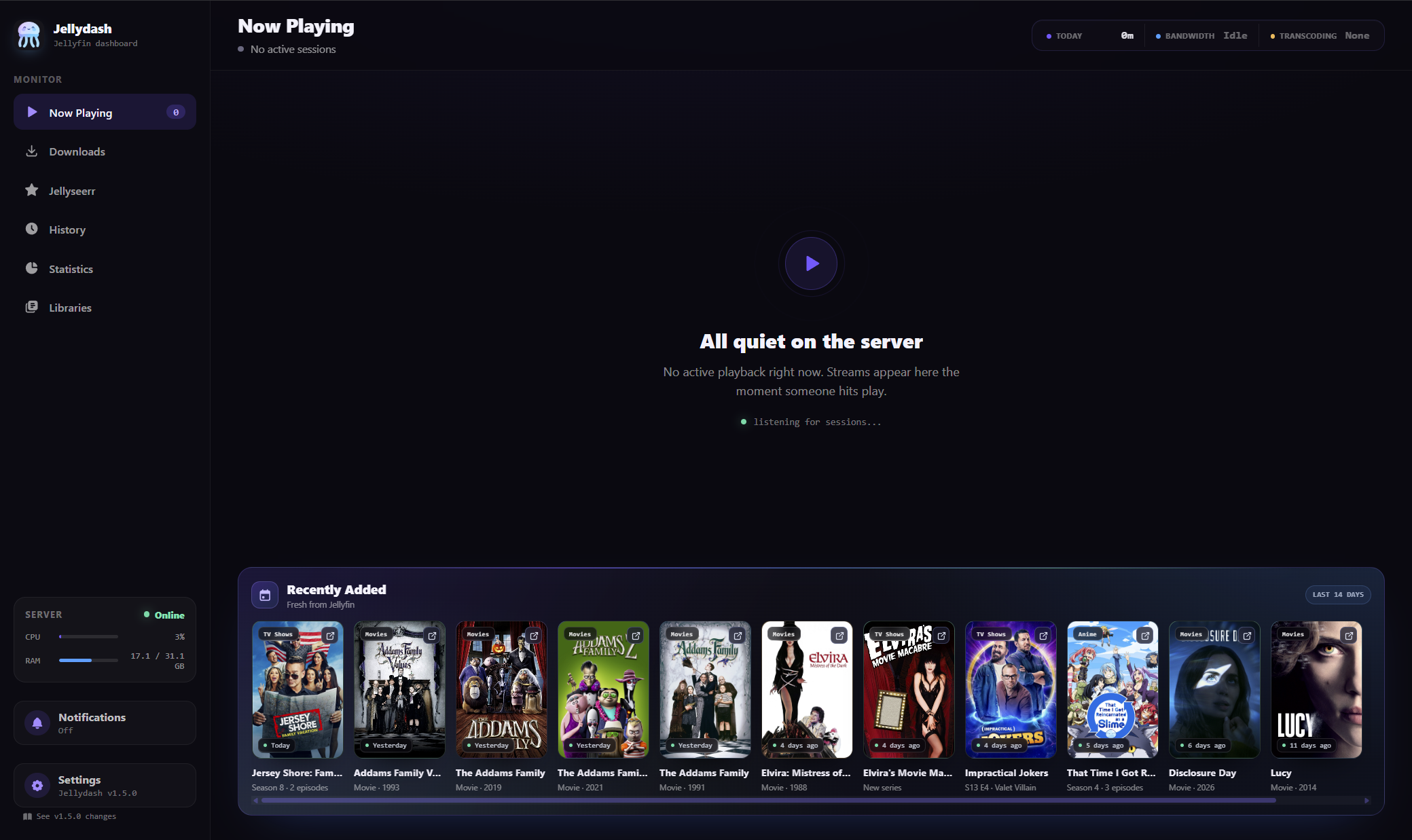
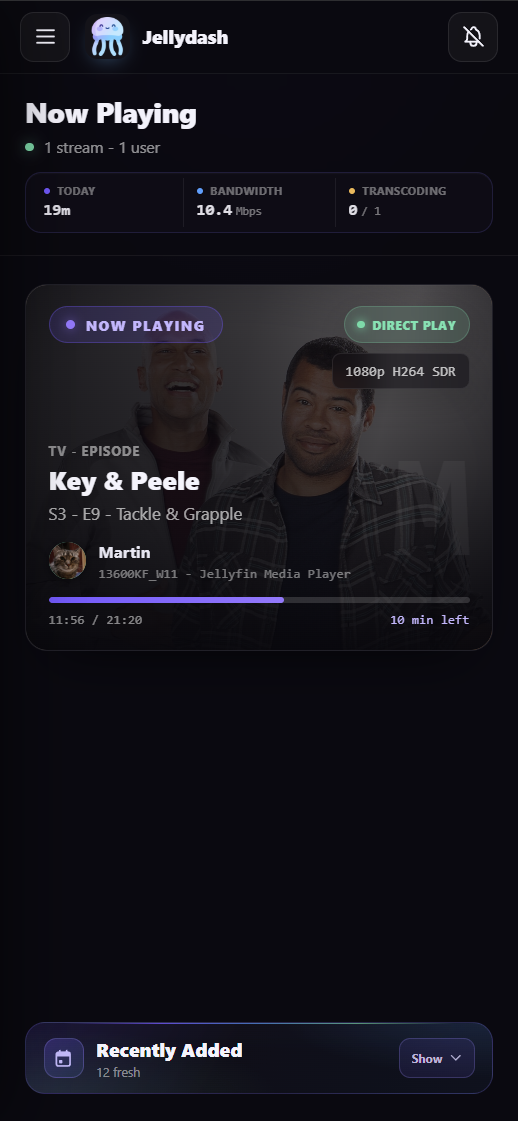
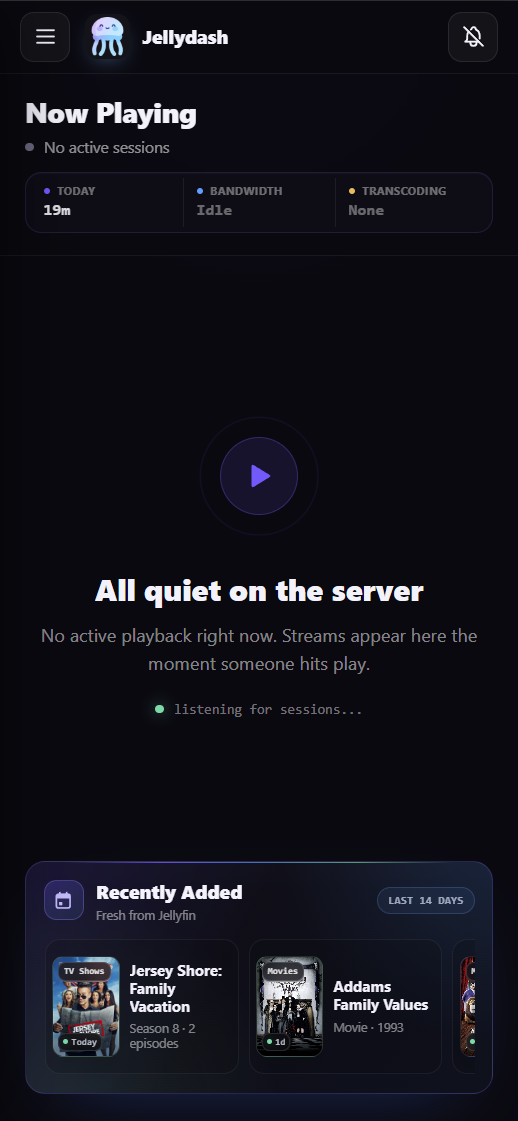
Live cards show artwork, the viewer, quality, progress and playback method. When nothing is playing, Recently Added expands to show new movies and series.
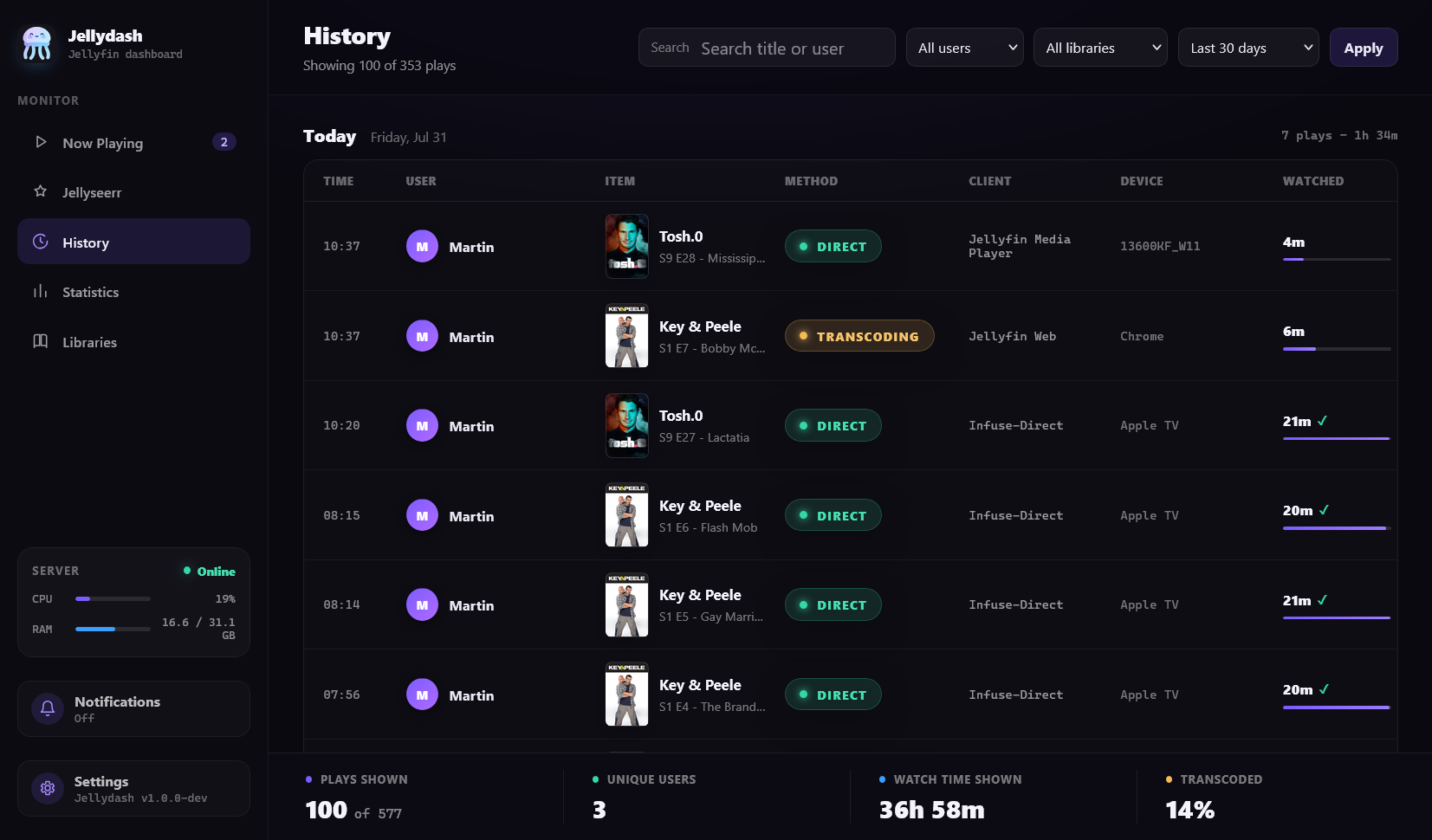
Jellydash records playback in the background, even when nobody has the dashboard open. Search and filter your history, browse older plays, or import history from Playback Reporting.
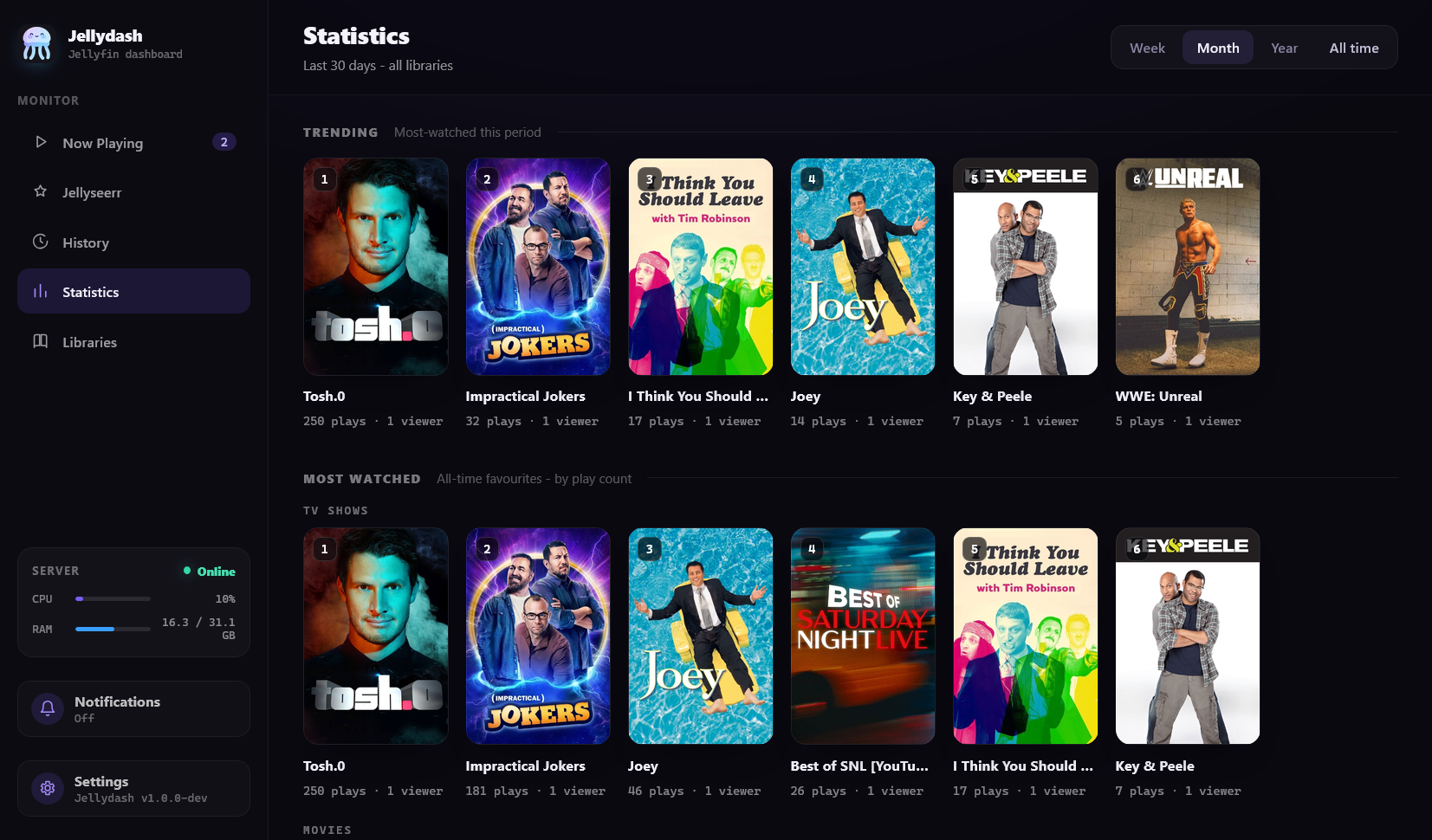
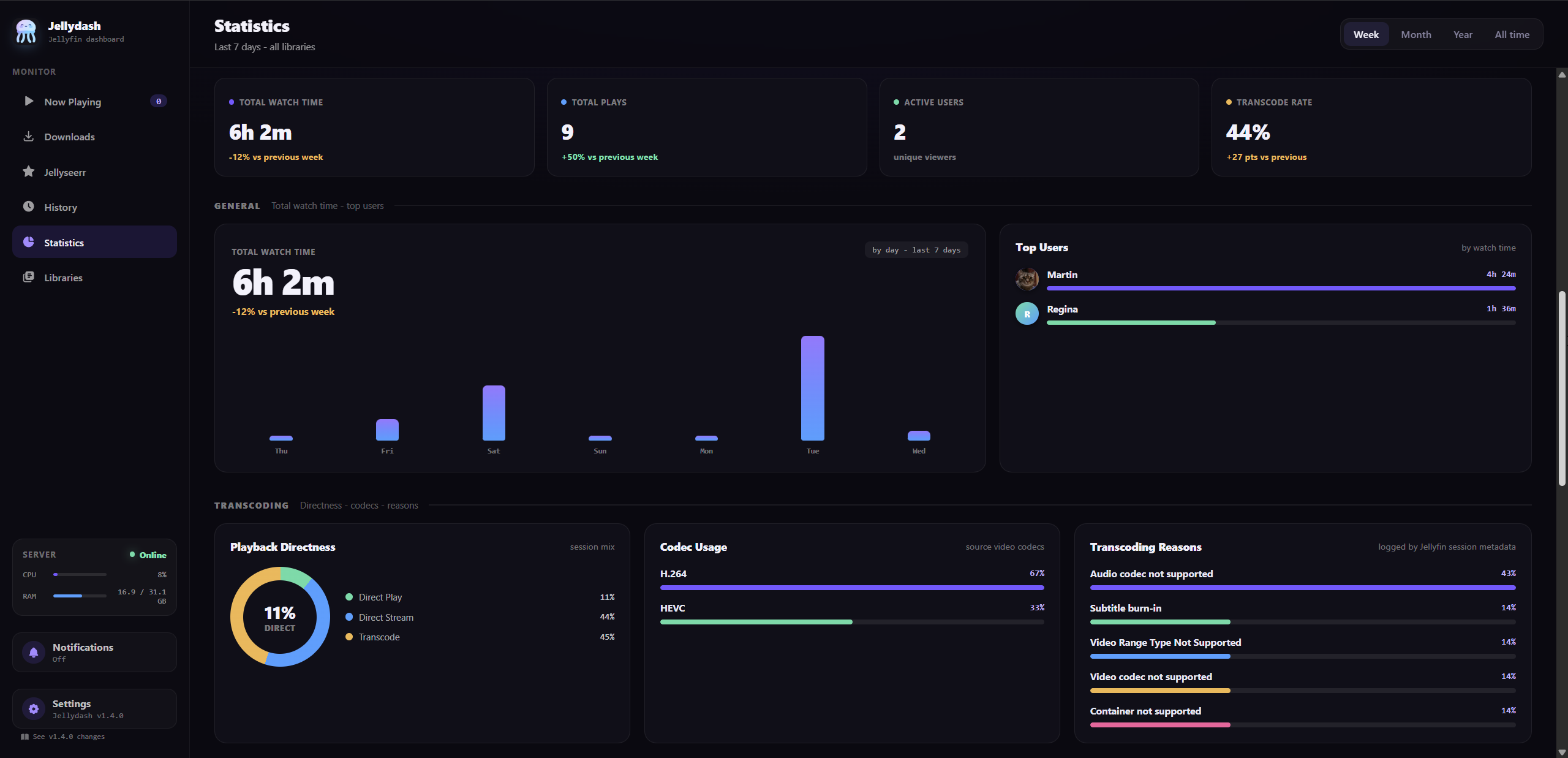
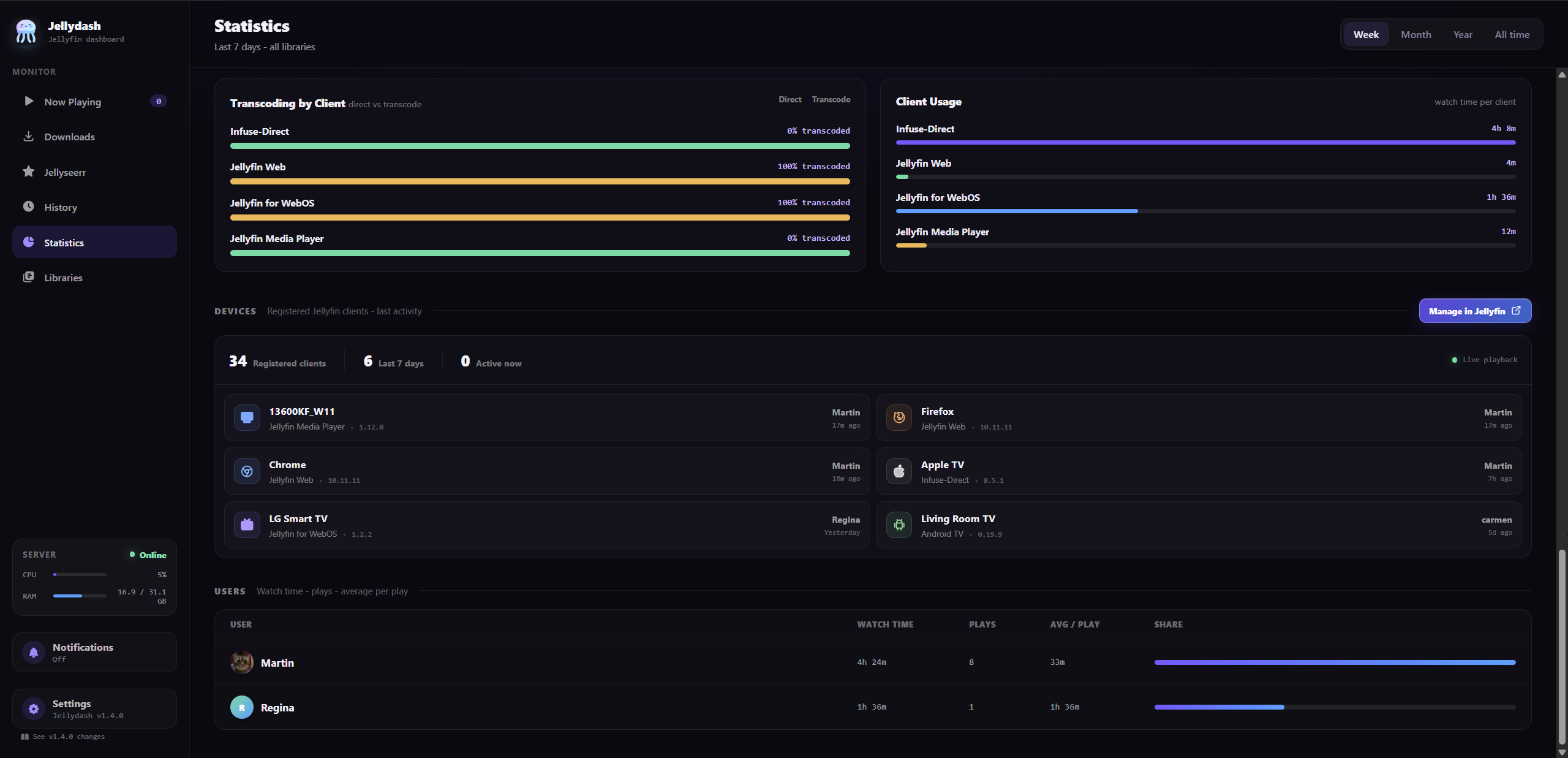
Watch time trends, top users, device activity, clients, codecs and transcode reasons. Plus a Trending strip, all-time Most Watched charts, and a Monthly recap for a completed month.
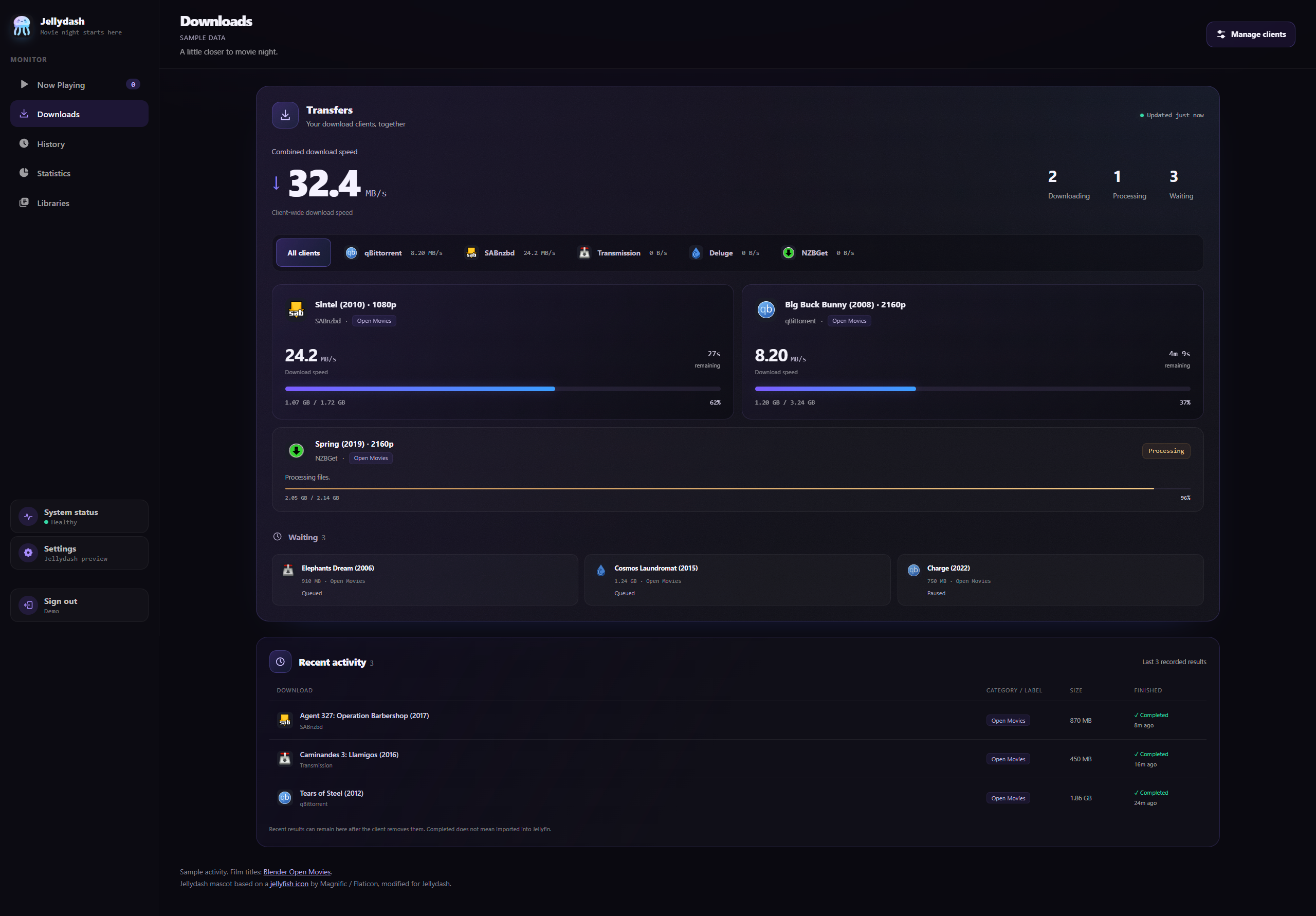
Follow SABnzbd, qBittorrent, Transmission, Deluge and NZBGet on one page. Filter by client, see current jobs and recent results, and check download activity from Now Playing. Add up to ten clients in Settings. Monitoring is read-only; queue changes stay in your downloader.
Sample activity using Blender Open Movie titles. See the Downloads setup guide for supported filters and client settings.
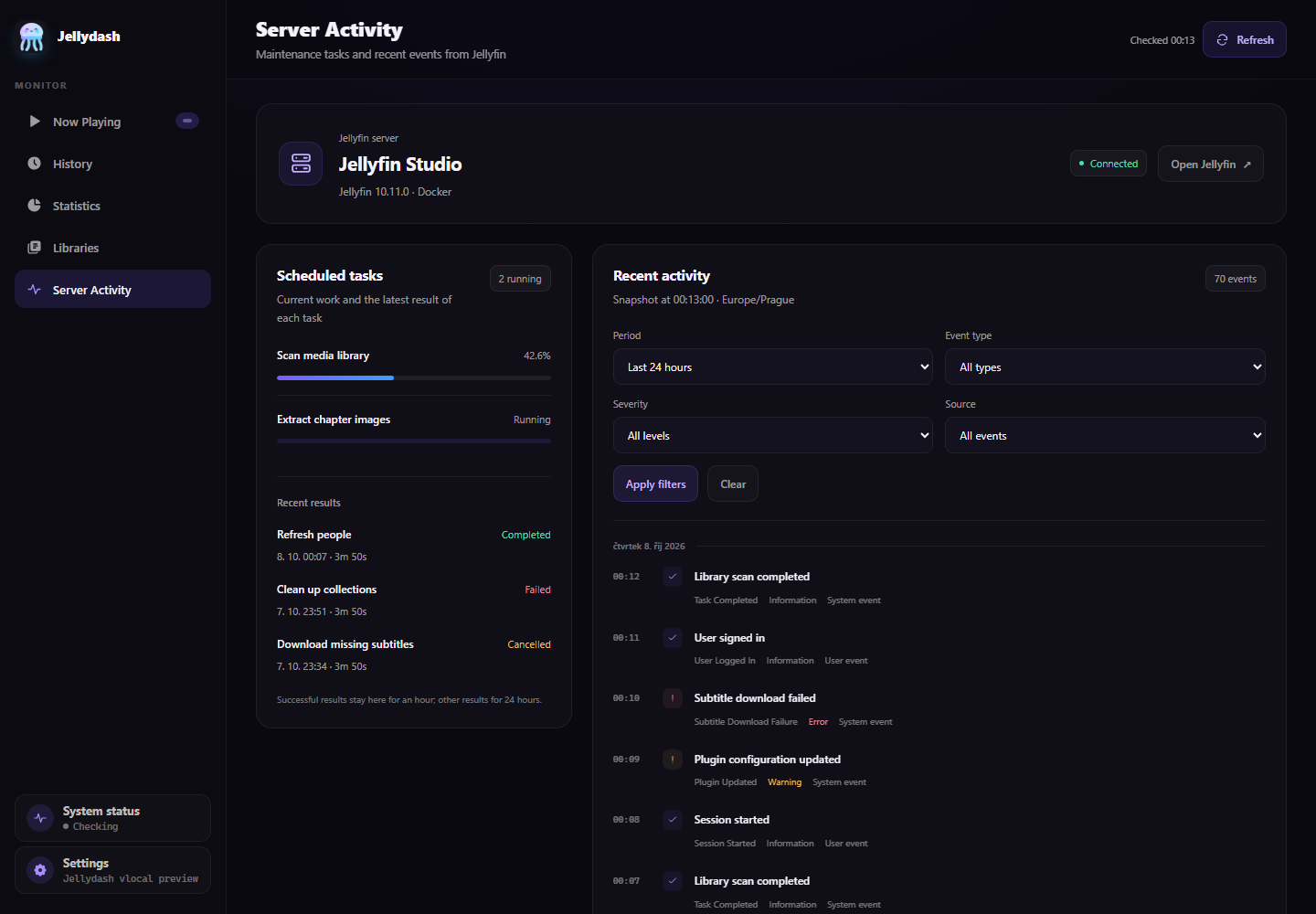
Check Jellyfin server details, running maintenance tasks and their latest results. Browse recent events with date, type, severity and user/system filters. The page is read-only and available to owners and admins when Jellydash login is enabled.
Shown with sample data. See Server Activity access and limits for Jellyfin permissions and activity log coverage.
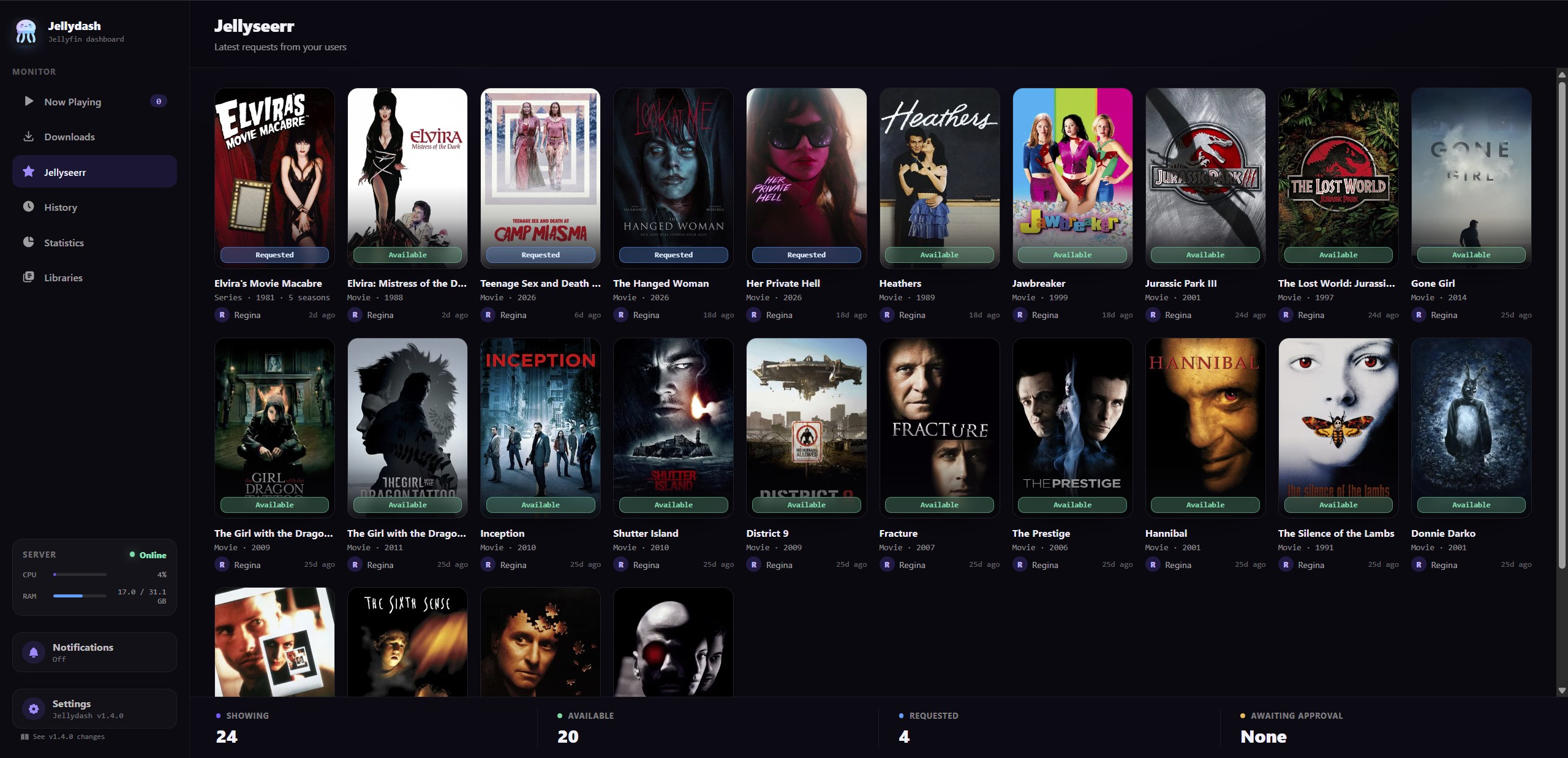
See recent Jellyseerr requests and their status. Connect your instance to show the page, and configure notifications if you'd like alerts for new requests.
Playback and request alerts
Get notified when someone starts watching or makes a Jellyseerr request. Use the channels you already have, including your own ntfy or Gotify server.
▶ Anna started watching
The Office · S3 E2 · Direct Play
Web Push works in the browser and the installed app. Telegram, Pushover, Discord, ntfy and Gotify deliver alerts through their own apps or servers. See the notification setup guide for each channel.
Keep an eye on your downloads
Follow active downloads, processing jobs and the waiting queue alongside your Jellyfin activity. Connect the clients you use, then filter by client or check their combined activity.
Add up to ten clients in Settings and choose which categories, tags or labels to monitor. Jellydash only reads their status; manage the queue in your downloader. See the Downloads setup guide for each client.
Combined download speed
32.4 MB/s
2 downloading · 1 processing · 3 waiting
Add Jellydash to your home screen to open it in its own window, with its own icon.
Login is off by default for trusted home networks. Enable it and set an admin username and password before making Jellydash public.
Use the bundled MariaDB service or store data in a single SQLite file. Both setups create the database on first run.
Find Jellydash in Unraid's Apps tab, select Install, then enter your Jellyfin URL and API key. The template runs as one container with SQLite.
MariaDB, SQLite, or Unraid
mkdir jellydash && cd jellydash
curl -LO https://raw.githubusercontent.com/themartz90/jellydash/main/docker-compose.yml
curl -L -o .env https://raw.githubusercontent.com/themartz90/jellydash/main/.env.example
# edit .env, at minimum: JELLYFIN_URL, JELLYFIN_API_TOKEN, DB_PASS
docker compose up -d
For Docker Compose, open http://your-host:8080 after startup. On Unraid, open Jellydash from its WebUI link.
The Community Apps template uses SQLite for a new installation. If you already run Jellydash through Compose, keep that setup; the template doesn't move your database or settings.
The README covers Unraid settings, database migration, notifications, login and building from source.